The AI daily planner that knows when you do your best work
rivva turns your tasks and meetings into a daily live plan, putting the right work in the right hours and rebalancing instantly when things change.Schedules deep work for your sharpest hours and batches admin when your capacity dips.

Trusted by high-performers at


Get to a Done List Every Day
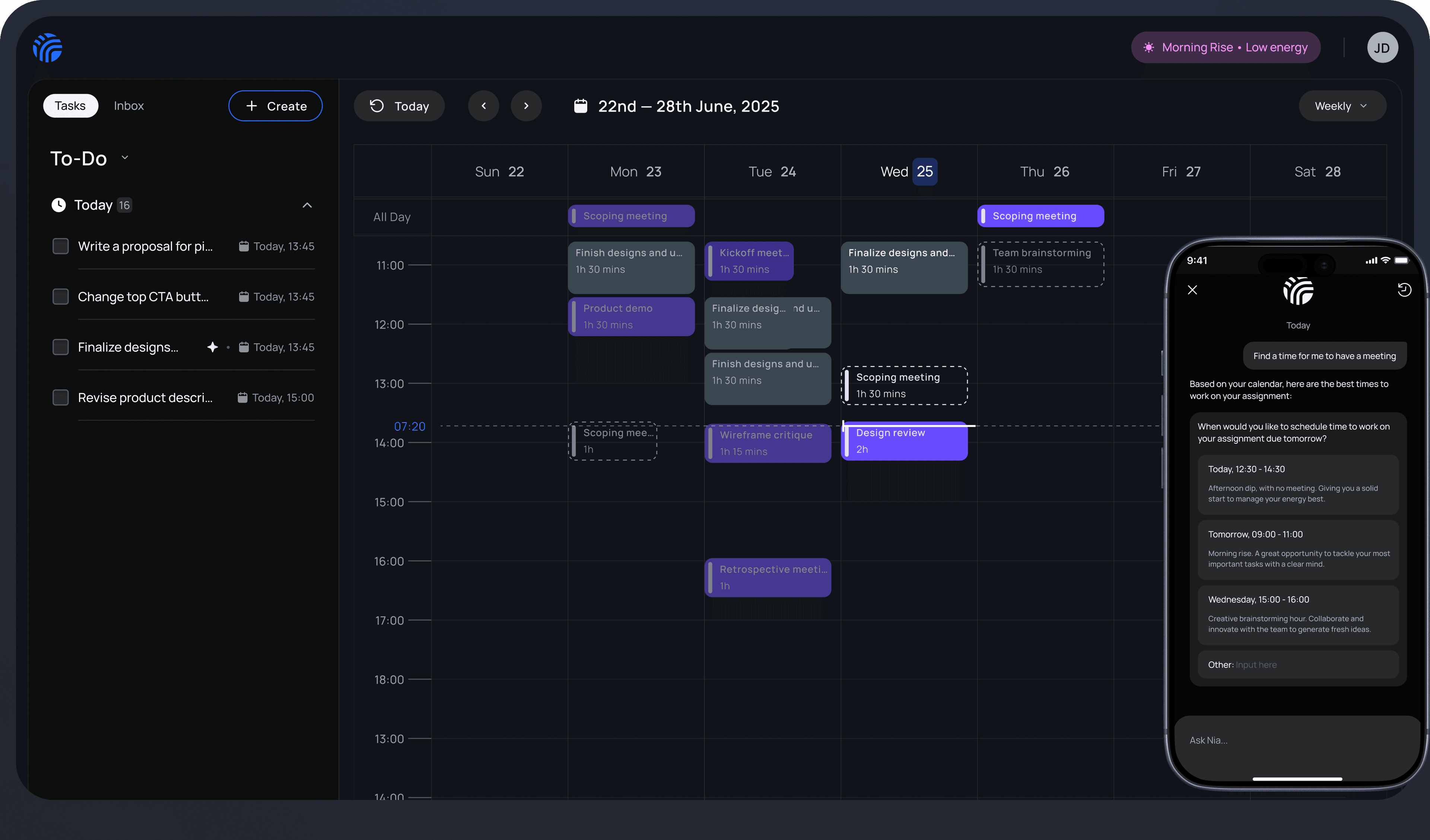
rivva connects your tasks, calendar, and energy to build a live daily plan — one that reshuffles itself when reality hits.

Everything in one place, nothing missed.
Tasks, Meetings, Habits and Personal Routines in one place and always up to date.


Your day planned automatically
rivva ranks your tasks and schedules them into real time slots. You start every day knowing exactly what to work on.


Your hardest work lands in your sharpest hours
Deep work gets blocked when you have focus. Admin and low-effort tasks fill the gaps. Connect a wearable and rivva uses your actual energy data to go even further.


When plans break, rivva rebalances
Meeting runs long. Something urgent comes up. rivva reshuffles the rest of your day so nothing falls through the cracks.

How it works
Set up in minutes.Productive from day one.
STEP 1
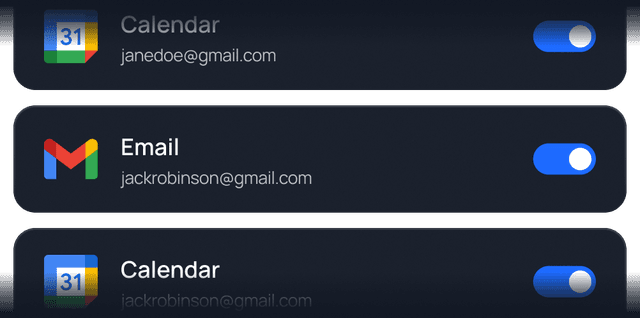
Connect your calendar and email
rivva pulls in your meetings and surfaces tasks hiding in your inbox — automatically.
STEP 2
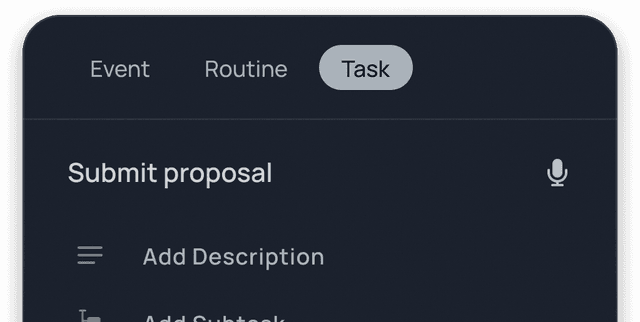
Add your tasks (any way you like)
Type them in, chat with Nia, or let rivva extract them from your email. However you work, rivva keeps up.
STEP 3
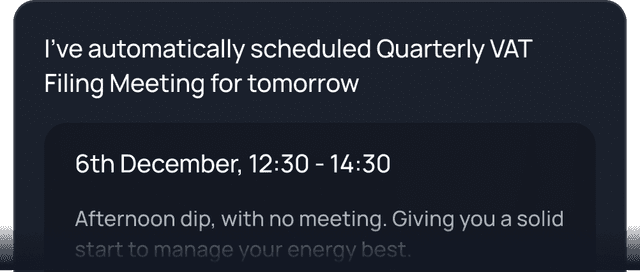
rivva builds and manages your day
Your tasks get ranked, scheduled, and protected. When things shift, rivva rebalances without you having to lift a finger.
STEP 4 (Optional)
Turn on energy-aware smart scheduling
Link Apple Health or Android Health Connect for energy-optimised scheduling — deep work when you're sharp, lighter tasks when you're not.
rivva schedules workwhen you can do it well
We automatically capture tasks from your email, let you add anything else easily, then schedule the work around your energy rhythm and availability across all your calendars so nothing falls through the cracks.

rivva features
Your life and work organised in one AI-optimised workspace.

Create and manage tasks your way
Add tasks by chatting with Nia, logging manually, or letting rivva extract from your email. However you work, rivva adapts.
TASK MANAGER
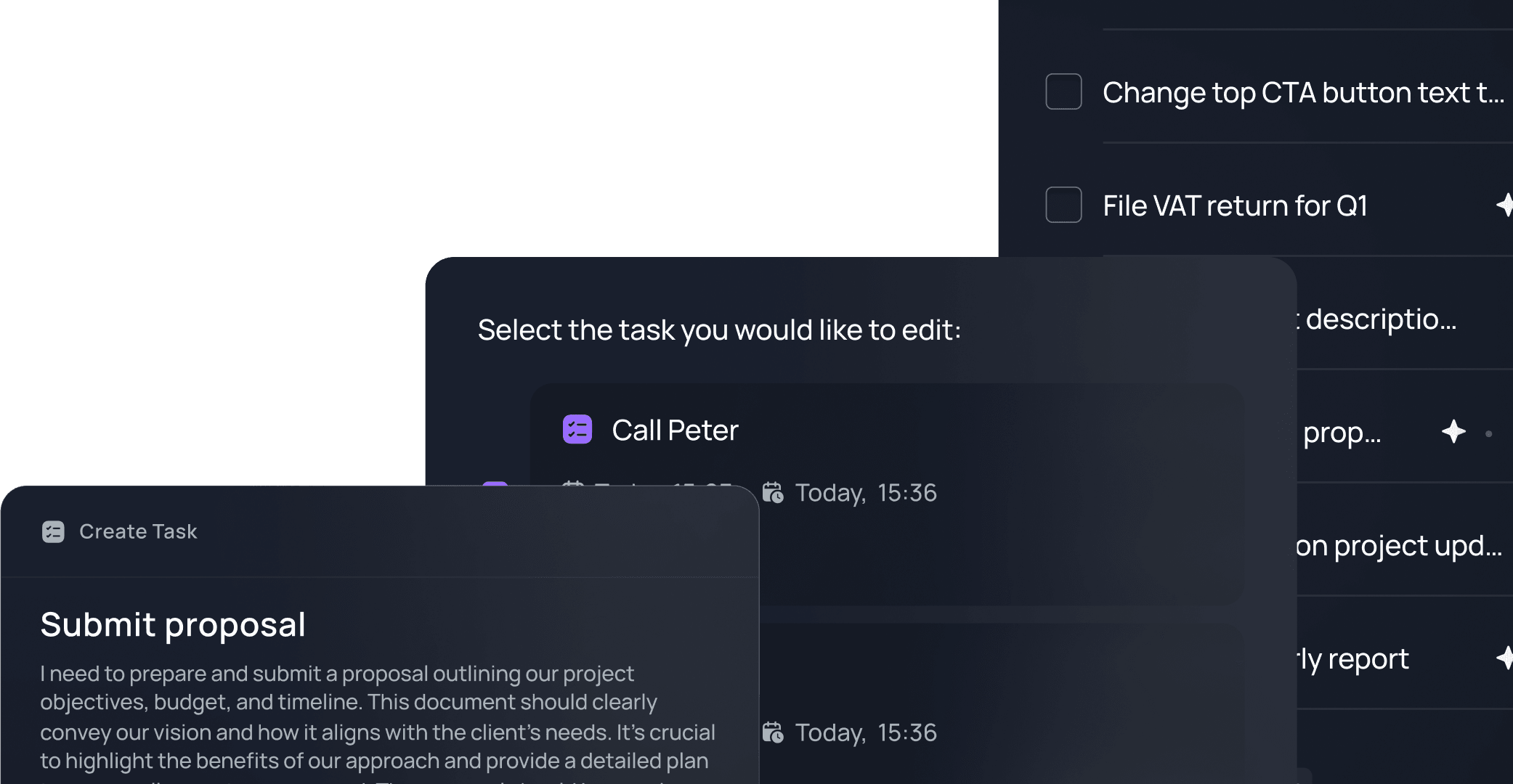
Work gets scheduled when you can do it well
rivva analyzes each task's focus requirements, your energy forecast, and calendar constraints to schedule the right work at the right time.
AI SCHEDULE
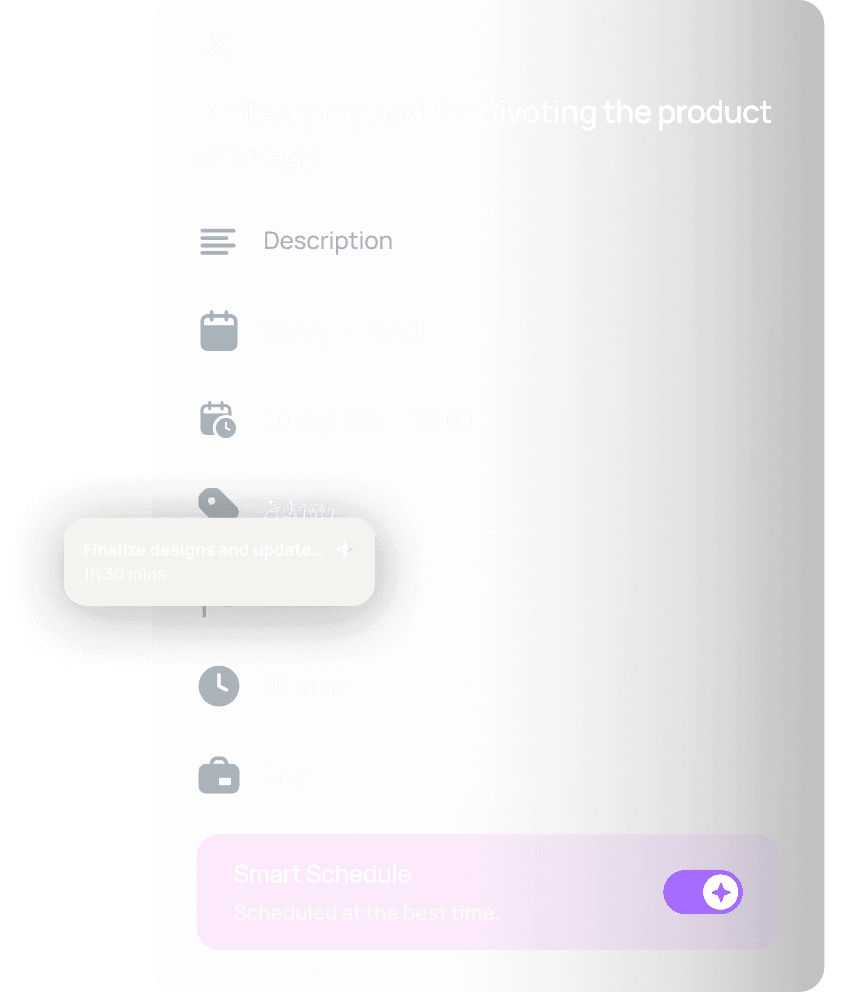
We find the work you'd typically forget about
Action items, meeting follow-ups, doc/Notion comments; if it ends up in your email, rivva can surfaces them for your review and auto-schedule it.
INBOX
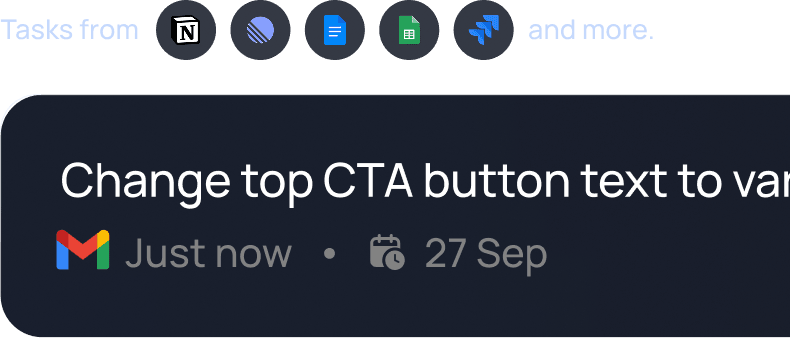

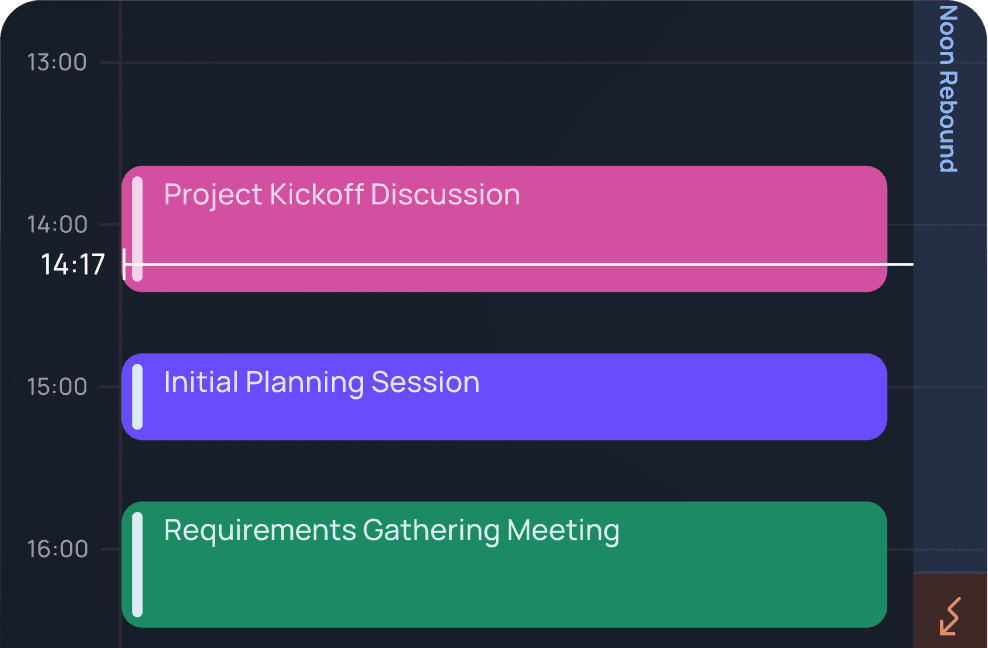
A single view for all your calendars and scheduled tasks
See your entire workday in one intelligent daily planner that brings together tasks and meetings across multiple calendars.
PLANNER
Know when you're sharp versus running low
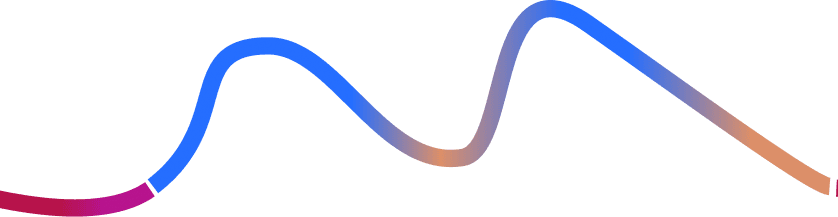
Connect your wearable and we'll forecast your energy highs and lows using sleep and movement data.
ENERGY INSIGHTS
AI assistant that orchestrates your entire day
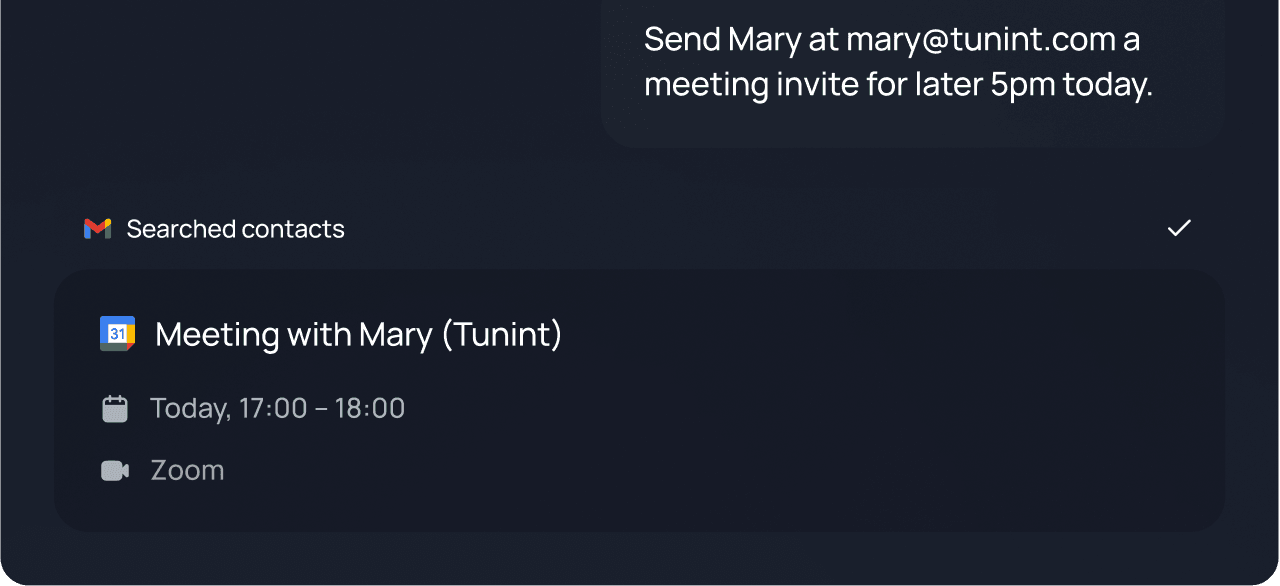
Nia understands your energy, workload, and context, and uses that to help you manage tasks, protect your focus, adapt your schedule, and follow through on what matters. Ask her to coach, plan, reschedule, cancel, create, breakdown tasks etc.
NIA
Booking links that protect your deep work time
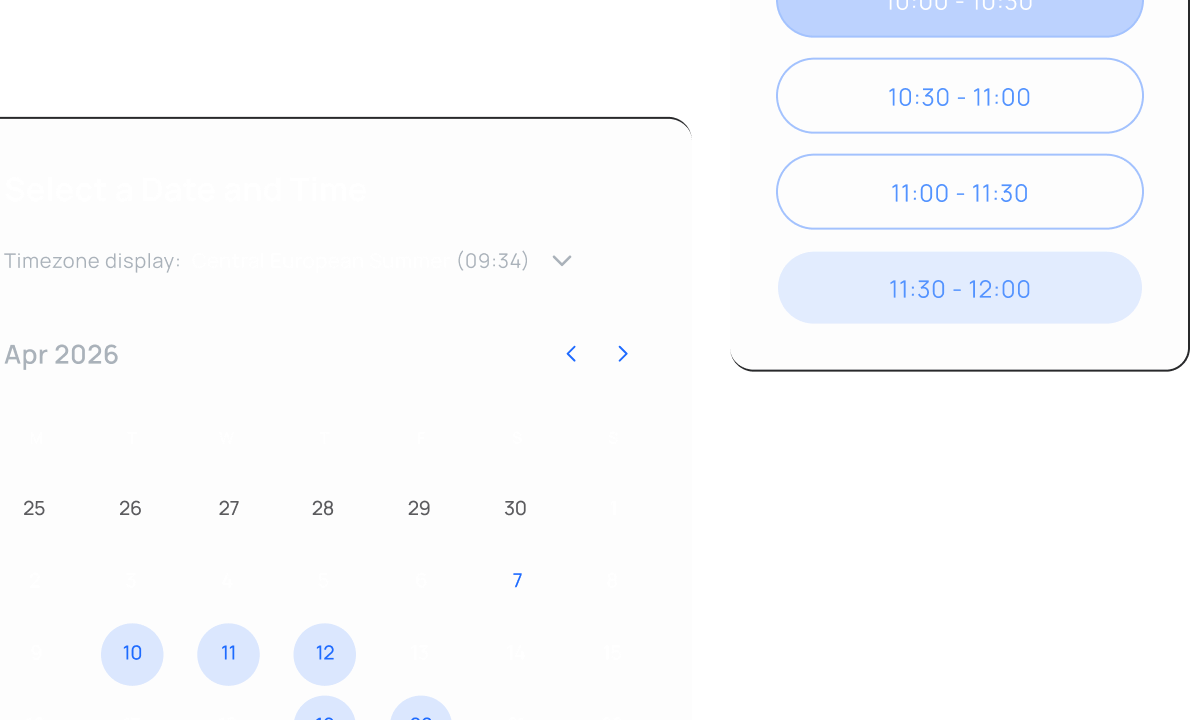
Let people schedule time with you while keeping your peak hours off-limits. Choose to share all availability or filter by specific energy windows.
SCHEDULING LINKS
Testimonials
Users love rivva
"The smart scheduling feels thoughtful. It doesn't overpack my day, which I really appreciate."
Luis
UX Researcher
"I usually write my weekly to-dos on my notepad. Today I sent that list to my email connected to rivva and it automatically imported everything. It changed a few task titles, but it was easy to edit. The energy maximisation reminders are also really helpful. They helped me prioritise the tasks. Overall, a really good experience. Looking forward to sending tomorrow's list in and seeing how that goes."
Joyce
Founder
"What I like about Nia is that it feels collaborative. It's not just moving tasks around, it makes suggestions that actually make sense. I still feel in control, just supported."
Maya
Operations Lead
"What surprised me was how much it changed my thinking. Instead of dumping tasks into a list, I now think about energy, timing, and trade-offs. My days feel more intentional, not just busy."
Marcus
Content Lead
"rivva helped me stop treating everything like it was urgent. Once my tasks were scheduled, it became clearer what actually mattered today and what could wait. That alone reduced a lot of anxiety."
Ali
Cofounder
"I didn't realise how many tasks were hiding in my emails. Seeing them pulled into the inbox felt a bit overwhelming at first, but also relieving. I could decide what to turn into a task, what to schedule, and what to ignore instead of just leaving things buried in my email."
Toyosi
Strategy Consultant
"My days rarely go as planned, so I assumed scheduling apps just wouldn't work for me. rivva surprised me. When meetings popped up, I could see how the rest of the day needed to move. It felt realistic, not idealistic."
Aaron
Program Manager
Built for people who can't afford to burn out
Stop fighting your brain. rivva adapts to your workflow and helps you stay on track.

The Juggler
For:
Freelancers, consultants, coaches, fractional leaders
You are managing multiple streams of work; a job, side projects, or several clients, each with their own meetings, priorities, and deadlines. Requests arrive from everywhere and you are constantly switching between them. rivva keeps track of the moving parts and schedules the work so nothing falls through the cracks.

For
Freelancers, consultants, coaches, fractional leaders

The Self-Directed Operator
For:
Founders, senior ICs, operators, independent builders
You have the autonomy to decide what needs to be done and set your own priorities. But email, meetings, requests, and other reactive work take over the day while the work that requires real thinking gets pushed later and later. You know your 10am brain is worth three times your 4pm brain. rivva plans your work so your best hours are spent on your most important work.

For
Founders, senior ICs, operators, independent builders

The Neurodivergent Professional
For:
ADHD and neurodivergent professionals
Most productivity tools assume perfect recall and timing. They expect you to remember tasks, check your planner at the right moment, and follow the plan exactly as written. Work rarely happens that way. rivva provides active support. Nia reminds, restructures, and nudges when attention drifts or plans change.

For
ADHD and neurodivergent professionals
Your Data, Your Control
rivva is designed with privacy in mind. Your tasks, notes, and schedule are yours alone. We do not sell, share, or expose your data to third parties.

Data Privacy
Everything you input—tasks, notes, check-ins—remains visible only to you, unless you explicitly share it with your team. No one can access your information without your permission.

End-to-End Encryption
We utilise enterprise-grade encryption to safeguard your data both in transit and at rest.

Visibility Controls
You have the power to decide what rivva can access. Control what gets synced, what gets shared, and when to disconnect integrations.

Anonymised System Insights
To enhance performance, we may analyse anonymised metadata, such as feature usage or average task duration.
F.A.Q